Google Play Store APK
If you are searching for the Google Play Store APK, chances are something is not working properly on your Android device. Maybe the Play Store disappeared. Maybe it keeps crashing. Maybe your phone says the device is not certified. Or perhaps you installed a custom ROM and now Google apps are missing.
Whatever the reason, downloading the Play Store APK might seem like the fastest solution. But before you do that, it is important to understand how the Play Store actually works and whether manually installing its APK file is truly necessary.
This guide explains everything clearly — what the Google Play Store APK is, when you need it, when you do not, how to install it properly, and the risks involved.
What Is the Google Play Store APK?
APK stands for Android Package Kit. It is the file format Android uses to distribute and install applications. Every app you install on Android — whether it is a game, messaging app, or banking app — comes in APK format.
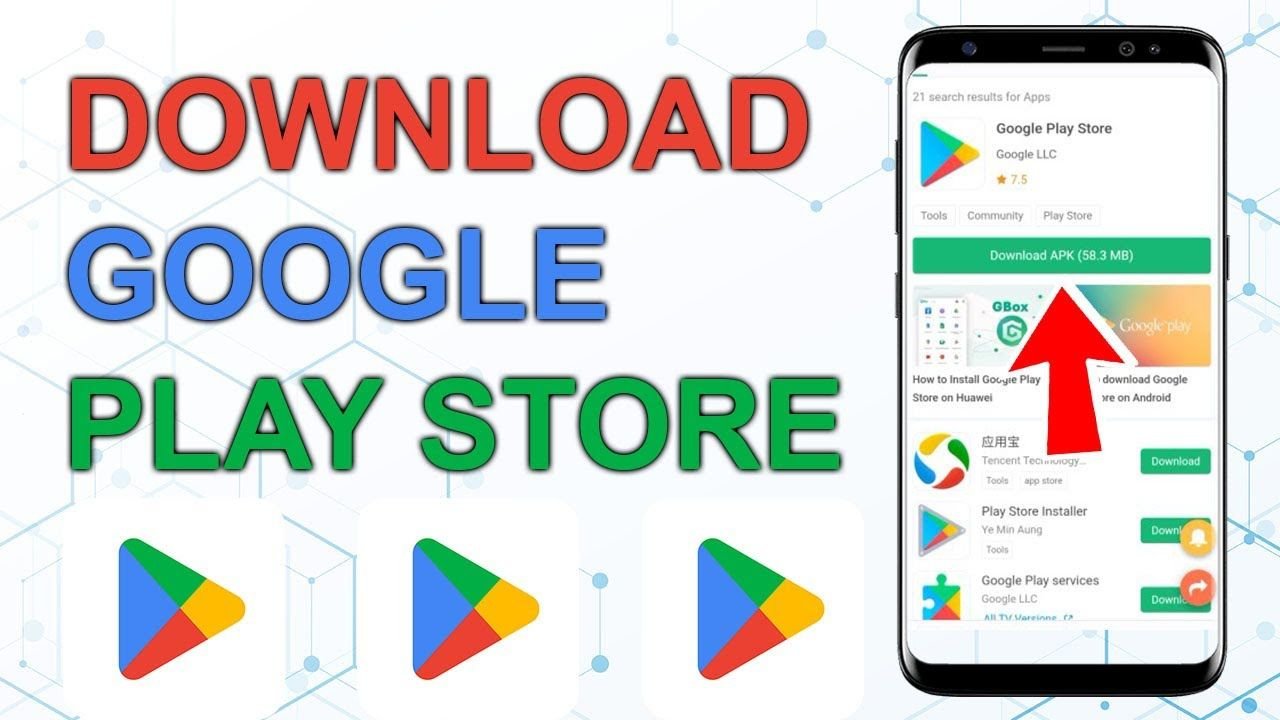
The Google Play Store APK is simply the installation file for the Play Store app itself.
Normally:
It comes pre-installed on certified Android devices
It updates automatically in the background
Users never need to manually download it
However, certain situations require manual installation.
Key Features of Google Play Store
The Play Store is more than just an app downloader. In fact, it offers a complete digital ecosystem.
| Feature | Description |
|---|---|
| App Downloads | Millions of apps and games available |
| Automatic Updates | Updates apps automatically |
| Security Protection | Google Play Protect scans apps |
| Ratings & Reviews | Users can review apps |
| Payment System | Secure payments for premium apps |
| Parental Controls | Restrict content for children |
Because of these features, it remains the official and safest source for Android apps.
Why Would Someone Need the Play Store APK?
There are specific cases where installing the Play Store manually makes sense.
1. Custom ROM Installation
If you installed a custom Android ROM, Google apps may not be included. You may need to install Google services manually.
2. Device Without Google Services
Some devices, especially certain regional models, ship without Google apps.
3. Play Store Was Removed
If system files were modified or deleted, the Play Store might disappear.
4. Persistent Crashes
If the Play Store keeps stopping and basic troubleshooting fails, reinstalling may help.
5. Certification Issues
Some devices show “Device not certified by Google.” In rare cases, reinstalling correct Google packages helps. If none of these apply, you probably do not need the APK.
Important: The Play Store Is Not a Normal App
Many users think they can uninstall and reinstall the Play Store like any other application. That is not entirely correct.
The Play Store works together with:
Google Play Services
Google Services Framework
Android system permissions
Google account authentication
If these components are missing or incompatible, installing only the Play Store APK will not fix the problem. That is why simply downloading the APK file does not always solve issues.
Before Downloading the APK, Try These Fixes
In most cases, problems can be solved without reinstalling anything.
Try the following steps first:
Restart your device
Check your internet connection
Clear Play Store cache and data
Clear Google Play Services cache
Update Android system software
Remove and re-add your Google account
These basic troubleshooting steps fix the majority of Play Store problems.
Risks of Downloading Google Play Store APK from Unofficial Sources
Downloading APK files from random websites can be dangerous.
Here are the main risks:
Malware Injection
Modified APK files may contain hidden malware.
Account Theft
A tampered Play Store can capture login credentials.
Spyware
Malicious code can track your activity.
Banking Risks
If malware infects your device, financial apps become vulnerable.
System Instability
Incorrect APK versions can cause boot loops or crashes. Because the Play Store manages app installations, installing a compromised version can affect your entire device.
How to Download Google Play Store APK Safely
If you absolutely need the APK, follow these guidelines:
Use a trusted APK provider with verified signatures.
Download the correct version for your Android OS.
Match CPU architecture (ARM, ARM64, x86).
Avoid modded or “premium unlocked” versions.
Check file version and update date carefully.
Never download from websites full of fake download buttons or aggressive pop-up ads.
Step-by-Step Installation Guide
If you decide to install it manually, follow these steps carefully.
Step 1: Enable Installation from Unknown Sources
Go to Settings → Security → Allow installation from unknown apps. Enable permission only for your browser or file manager.
Step 2: Download the Correct APK
Make sure the version matches your Android system.
Step 3: Install Required Google Components
If missing, install:
Google Play Services
Google Services Framework
Google Account Manager
Step 4: Install the Play Store APK
Open the downloaded file and tap Install.
Step 5: Restart Your Device
Restart to ensure proper integration.
Step 6: Disable Unknown Sources
Turn off installation permission again for security.
Common Problems After Installing Play Store APK
Even after installing, some users face issues. However, most problems are easy to fix.
Play Store Keeps Stopping
This usually means Google Play Services is outdated or incompatible.
Cannot Sign In
Google Account Manager may be missing.
Apps Not Downloading
Clear cache of both Play Store and Play Services.
Device Not Certified
This is a Google certification issue, not an APK issue. Understanding the real cause prevents unnecessary reinstallation attempts.
Should You Download the Google Play Store APK?
For most users, the answer is no.
You should only download it if:
You are setting up a custom ROM
Your device truly lacks Google services
Advanced troubleshooting requires reinstalling
If your Play Store simply has minor glitches, reinstalling the APK is usually unnecessary.
Is It Legal to Download the Play Store APK?
Downloading the official Play Store APK itself is not illegal. However:
Distributing modified versions may violate policies.
Using unofficial builds can break Google’s terms.
Always use original, unmodified files.
Expert Tip: Safer Alternative for Custom ROM Users
If you installed a custom ROM, instead of manually installing separate APK files, consider installing official Google Apps packages designed for your Android version. Even after installing, some users face issues. However, most problems are easy to fix.
These packages ensure compatibility between all required components.
Installing only the Play Store APK without required dependencies can cause repeated errors.
Security Recommendations
To protect your device:
Avoid unknown third-party stores
Use built-in Play Protect
Never grant unnecessary permissions
Install antivirus software if downloading APK files
Your Google account often stores personal data, payment methods, and backups. Compromising it can have serious consequences. Many users get confused between the two. However, they are related but different.
The Google Play Store APK is an essential system component, not just a regular app. While manually installing it can solve specific problems, it is not something most users need to do.
Before downloading any APK file, understand why your Play Store is not working. In many cases, simple troubleshooting solves the issue safely.
If you truly need the APK, download the correct version from a trusted source, ensure compatibility with your Android version, and install all required Google components.
Making informed decisions is always safer than rushing into random downloads.