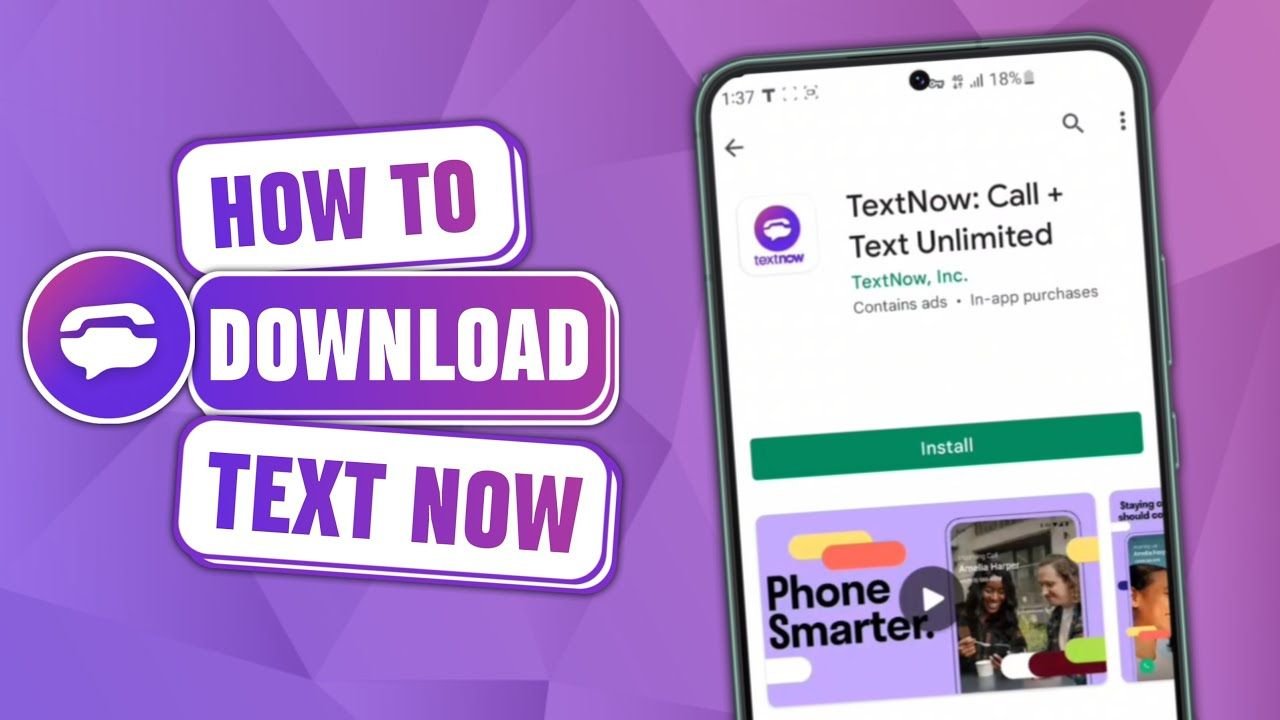
TextNow APK
When people search for TextNow APK, they are usually looking for a simple solution to make calls and send messages without depending entirely on a mobile carrier. Maybe they want a second number for privacy. Maybe they are trying to save money. Or perhaps the Play Store version is not available on their device. Whatever the reason, TextNow has become one of the most widely used VoIP communication apps for Android users.
Created by TextNow, the app allows users to send text messages and make calls using an internet connection instead of a traditional SIM network. Over the years, it has attracted millions of users who prefer Wi-Fi calling and cloud-based messaging. However, before downloading the APK file from outside the Play Store, it is important to understand how it works, what risks exist, and whether manual installation is truly necessary.
This guide explains everything in detail in a clear and natural way so you can decide confidently.
What Is TextNow APK?
An APK file is the installable package format used by Android devices. When you install an app from the Google Play Store, the APK installs automatically in the background. The difference is that when you download an APK manually, you are installing the app without going through the Play Store system.
TextNow APK is simply the Android installation file of the TextNow application. People usually download it manually if they cannot access the Play Store, if their device shows compatibility issues, or if they want a previous version of the app.
In most normal situations, downloading from the Play Store is safer and easier. The APK method is mainly used when the official store option is limited.
How TextNow Works
TextNow operates using Voice over Internet Protocol technology. Instead of sending messages through your mobile carrier, the app routes communication through Wi-Fi or mobile data. After signing up, users receive a virtual phone number, typically from supported US or Canada regions.
Once registered, you can send messages, make calls, receive voicemails, and manage conversations directly through the app interface. Because everything runs over the internet, call quality depends heavily on connection strength. A strong Wi-Fi network generally provides clear and stable audio, while weak signals may cause delay or distortion.
The cloud-based system also means your conversations can sync across devices when logged into the same account. This flexibility is one of the main reasons people prefer TextNow.
Quick Overview Table
Below is a simple breakdown of TextNow’s essential details:
| Feature | Details |
|---|---|
| App Name | TextNow |
| Developer | TextNow |
| Category | Communication / VoIP |
| Main Function | Internet-based calling and texting |
| Free Phone Number | Yes (Supported Regions) |
| Works on Wi-Fi | Yes |
| Requires SIM Card | No |
| International Calling | Paid options available |
| File Format | APK |
| Official Source | Google Play Store or TextNow website |
This table provides a clear summary before going deeper into its advantages and limitations.
Why People Look for TextNow APK
There are several reasons why users search specifically for the APK version instead of the Play Store app. Some devices do not have Google services installed. Others run custom Android versions where the Play Store does not function properly. In certain regions, the app may not appear in search results. Sometimes users prefer installing an older version because they are more comfortable with its interface.
However, manually installing APK files always carries more responsibility. Unlike the Play Store, third-party downloads are not automatically scanned through Google Play Protect.
Is TextNow APK Safe?
The app itself is legitimate and widely used. The real concern is the source of the APK file. If you download it from an unreliable website, there is a risk of installing a modified version.
Modified APK files can contain hidden malware or spyware. Because TextNow handles personal communication, privacy is extremely important. A compromised version could potentially monitor calls or access messages.
To reduce risk, always verify that the file matches the official version and avoid websites filled with misleading download buttons or pop-up ads. Installing antivirus protection on your device adds another layer of safety.
Installation Process Explained Clearly
If you choose to install the APK manually, the process is simple but should be handled carefully.
Make sure to obtain the file from a safe and verified site. After downloading, enable installation from unknown apps inside your device settings. Open the file and proceed with installation. Once installed, it is recommended to disable unknown app permissions again for better security.
After installation, create your account using accurate information. Choose your number carefully because inactivity for long periods may result in number reassignment.
Main Advantages of TextNow
TextNow offers flexibility that traditional carriers sometimes cannot. Many users appreciate the ability to make calls without paying high monthly bills. Students often use it to communicate over campus Wi-Fi. Freelancers and online sellers use it as a secondary number for business purposes. Travelers may rely on it when avoiding roaming charges.
The option to use a separate number also improves privacy. Instead of sharing a personal mobile number on online platforms, users can share their TextNow number instead.
Another advantage is accessibility across devices. Logging into the same account on a tablet or browser allows users to continue conversations seamlessly.
Limitations You Should Know
Despite its benefits, TextNow is not perfect. Because it depends on internet connectivity, poor signals directly affect call quality. The free version includes advertisements, which some users find distracting. Additionally, numbers may expire if accounts remain inactive for extended periods.
Emergency calling support may also be limited compared to traditional carrier networks. For that reason, TextNow should not completely replace a primary phone line for critical communication.
Common Issues and Solutions
Some users experience verification delays during registration. This usually happens due to unstable internet. Ensuring a strong connection often solves the issue.
If calls drop frequently, switching from mobile data to Wi-Fi may improve performance. Clearing the app cache can fix minor crashing issues. If login errors occur, resetting the password through official channels is recommended rather than reinstalling repeatedly.
Understanding these small troubleshooting steps can save time and frustration.
Should You Download TextNow APK?
For most users with working Play Store access, installing directly from the official store remains the safest choice. The APK method is mainly helpful when standard installation options are unavailable.
If you decide to download the APK, treat it with the same caution as installing any software outside official marketplaces. Security and privacy should always be prioritized over convenience.
Final Thoughts
TextNow has grown into a reliable communication platform for users who prefer internet-based calling and texting. Its flexibility, cost-saving benefits, and virtual number feature make it attractive for many people. However, downloading the APK file manually should only be done when necessary and from trusted sources.
Before installing any APK, consider whether the Play Store version is accessible. In most cases, it is the safer and more stable option. If you do proceed with manual installation, take proper precautions and stay aware of privacy risks.
If you would like, I can also rewrite this in a more storytelling blog style that feels even more natural and less technical.

![A graphic illustrating how to [Install APK without Play Store ] featuring a Windows laptop and Android icons.](https://apksharp.org/wp-content/uploads/2026/02/Install-APK-without-Play-Store--348x215.jpg)
![A troubleshooting graphic featuring a smartphone with an "App not installed" warning, used to illustrate an [App Not Installed Error Fix Android].](https://apksharp.org/wp-content/uploads/2026/02/App-Not-Installed-Error-Fix-Android-348x215.jpg)
