Hiring the wrong iOS app developer or trusting a sketchy app on your phone can cost you thousands of dollars, months of time, and serious security risks. Whether you’re a startup founder looking to build your next product or a user wondering if an app is safe to install, knowing how to verify iOS app developer is one of the most important steps you can take before moving forward.
This guide walks you through every method, tool, and signal you need from checking Apple Developer Program credentials to cross-referencing portfolios across multiple platforms so you can make a fully informed decision.
What Does It Mean to Verify an iOS App Developer?
Verifying an iOS app developer means confirming that a developer or development team is real, qualified, and trustworthy backed by a legitimate Apple Developer account, a traceable publishing history, and credentials that hold up under scrutiny.
This matters in two main situations:
- Before hiring — you want to confirm the developer can actually build what they promise
- Before downloading an app — you want to know the developer behind it is legitimate and not a bad actor
Unlike Android’s more open ecosystem, Apple’s iOS platform enforces stricter controls. Every app on the App Store is reviewed and tied to a registered Apple Developer account. This gives you real verification leverage if you know where to look.
Why Verification Matters More Than You Think
Unverified developers cause real damage. A business that skips proper vetting risks hiring someone who:
- Has no published apps despite claiming years of experience
- Uses stolen code or submits apps that get rejected repeatedly
- Disappears mid-project with your deposit and your source code
- Builds apps with security vulnerabilities that expose your users’ data
For users, downloading an app from an unverified or misrepresented developer can expose your device to malware, data harvesting, or phishing scams.
Apple’s App Store review process filters out a large amount of malicious software, but it doesn’t verify every developer’s claims about experience, qualifications, or business identity. That gap is exactly where you need to do your own due diligence.
For more insights into Windows, software, and digital tools, explore our Technology section.
Step-by-Step: How to Verify an iOS App Developer
Step 1 — Search Their Name on the App Store
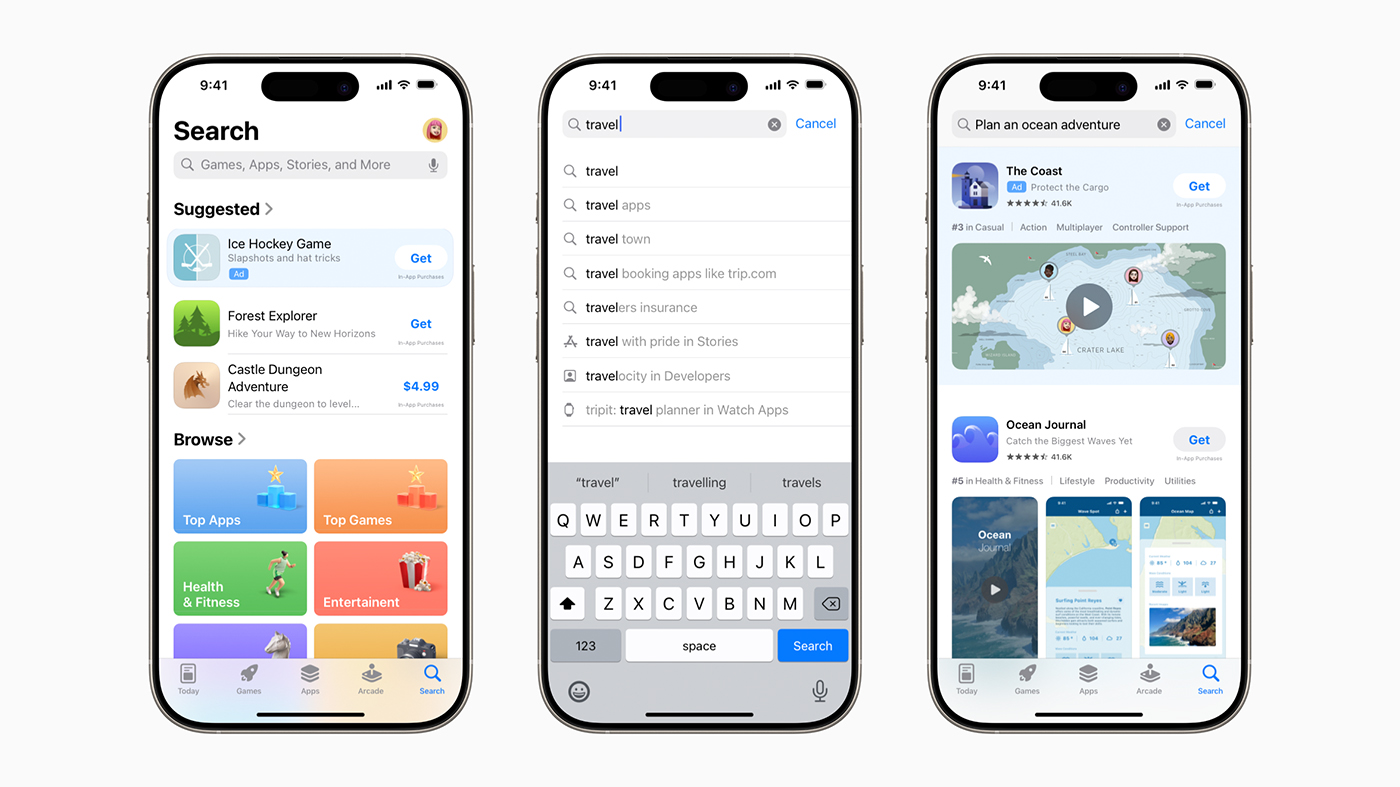
Open the App Store on any iPhone or iPad and search the developer’s name or company name. On any app listing, scroll down to the developer name under the title. Tap it to see all apps published under that account.
Look for:
- Number of apps published
- Ratings and review history across apps
- Consistency in app quality and category
- Last update dates (abandoned apps are a red flag)
If a developer claims five years of experience but has zero published apps, that’s a serious mismatch.
Step 2 — Check Their Apple Developer Program Membership
Every iOS app on the App Store is tied to a registered Apple Developer Program account, which costs $99/year and requires identity verification by Apple. This means if someone’s app is live on the App Store, Apple has at least confirmed their name or business entity.
You can cross-reference this by:
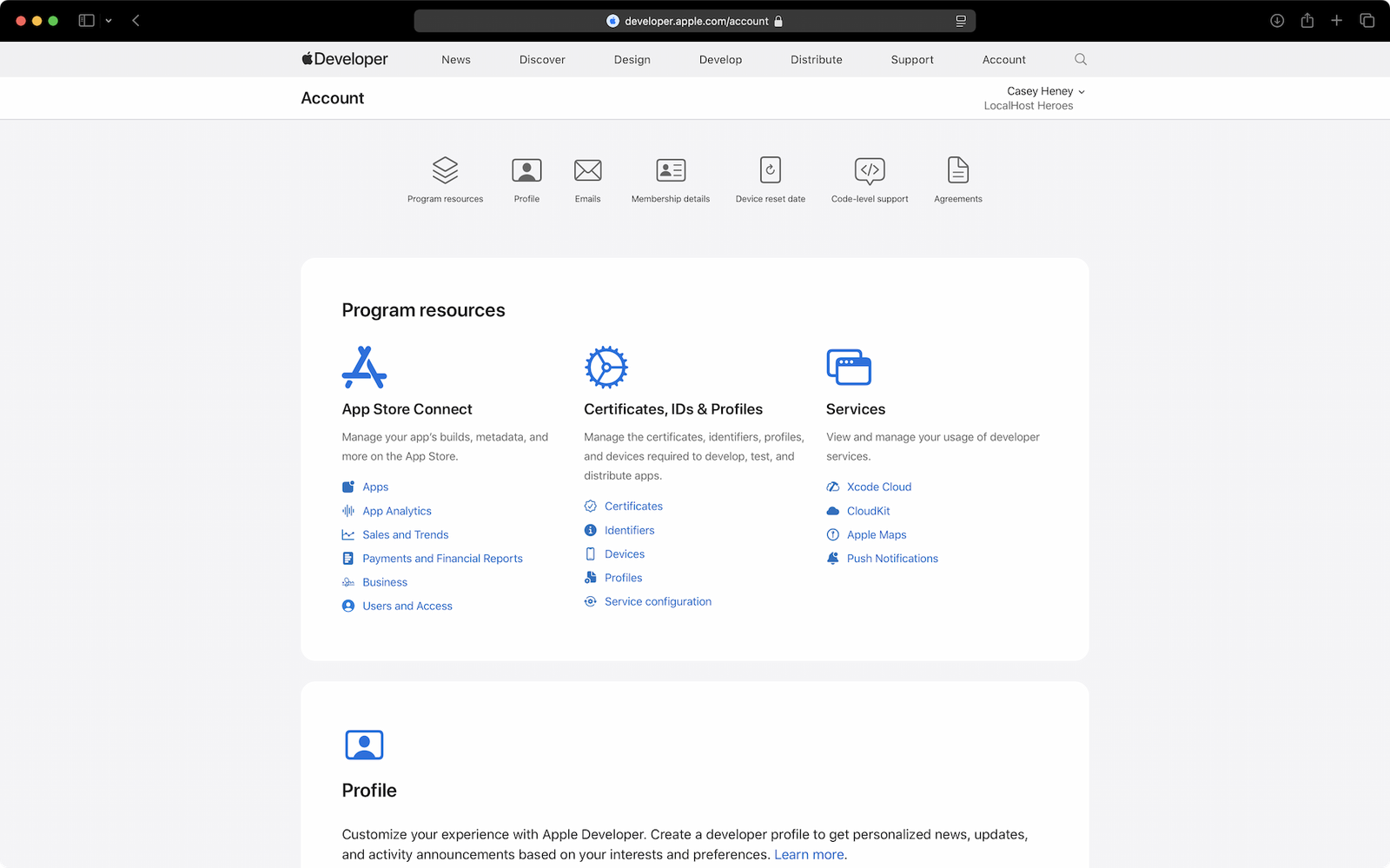
- Asking the developer for their Apple Developer Team ID (found in App Store Connect under Membership)
- Checking the app’s metadata in the App Store for the listed developer name
- Verifying consistency between the developer’s stated identity and their App Store publisher name
Apple does not offer a public developer lookup directory, but the App Store itself acts as the proof layer.
Step 3 — Review Their GitHub Profile and Code History
A developer’s GitHub profile tells you more than their resume ever will. Look for:
- Active repositories in Swift or Objective-C
- Contribution history (consistent commits over time)
- Open-source iOS projects or libraries
- Stars, forks, and community engagement on their code
No GitHub presence isn’t automatically a dealbreaker, but a developer claiming senior-level iOS expertise should have something to show in code form.
Step 4 — Verify on LinkedIn and Cross-Reference Claims
Search the developer on LinkedIn and check:
- Employment history aligns with claimed experience
- Endorsements from previous clients or colleagues
- Education and certifications listed
- Mutual connections or verifiable past employers
Compare what they tell you with what their LinkedIn says. If dates don’t match, companies are unlisted, or their profile was created last week, slow down.
Step 5 — Check Third-Party Platforms for Reviews and Ratings
If you found this developer or agency through a marketplace, use the platform’s verification data:
| Platform | What It Verifies |
|---|---|
| Upwork | Identity, job success score, client reviews |
| Toptal | Technical vetting (top 3% claim), interviews |
| Clutch.co | Agency reviews, verified client interviews |
| GoodFirms | Business size, portfolio, client ratings |
| Fiverr | Order completion rate, buyer reviews |
Toptal performs some of the most rigorous pre-screening for iOS developers, making it a strong choice if you need high confidence without running your own technical interview.
Step 6 — Request App Store Connect Access or TestFlight Evidence
If you’re evaluating a developer for a paid project, ask them to share a TestFlight build of a past app, or request read-only access to a previous project in App Store Connect.
This is the closest you can get to technical proof. It shows:
- They know how to configure provisioning profiles and signing certificates
- They understand the App Store submission process
- They have actually shipped, not just claimed to ship
Step 7 — Run a Legal and Contract Verification Check
Before signing anything, verify:
- They can provide a signed NDA
- IP ownership terms are explicitly in the contract
- Their business entity is registered and verifiable
- Payment terms and milestone structure are clear
For US-based businesses, this may include verifying an LLC or corporation via your state’s Secretary of State database. UK businesses can be checked through Companies House. Australian developers operating as a business should have an ABN.
Red Flags: Warning Signs of a Fake or Unqualified iOS Developer
Watch out for these signals before you commit:
- No published apps despite claiming extensive iOS experience
- Vague or stolen portfolio reverse-image search screenshots they share
- Refuses to share App Store Connect access or TestFlight builds
- Unusually low pricing far below global market rates
- No LinkedIn profile or recently created accounts
- Generic contract with no IP ownership or milestone clauses
- Unable to explain code signing, provisioning profiles, or App Store review process
- Claims to be “Apple certified” without any verifiable proof
Understanding how app signing works is a useful baseline for evaluating a developer’s technical claims. For context on how signing affects app installation and security, see this breakdown on Android App Signing Explained the principles of signed vs. unsigned apps apply across mobile platforms.

iOS Developer Verification: B2B vs. B2C Needs
Your verification approach depends on who you are and why you’re verifying:
| Need | B2B (Businesses) | B2C (Individual Users) |
|---|---|---|
| Goal | Hire a qualified developer | Trust an app before installing |
| Primary Check | Portfolio + App Store history + contract | App Store reviews + developer name |
| Tools Used | Clutch, Toptal, LinkedIn, GitHub | App Store, Apple’s Privacy Label |
| Legal Layer | IP agreements, NDAs | App privacy policy review |
| Risk | Financial + product quality | Data privacy + security |
If you’re an end user trying to verify whether an app is safe before installing, the most important signals are the developer name in the App Store, the privacy nutrition label, user reviews, and last update date.
If you’re a business or startup hiring a developer, you need all seven verification steps above.
What Apple Developer Program Membership Actually Proves and What It Doesn’t
Apple Developer Program membership ($99/year) confirms that:
The developer has a verified Apple ID linked to a real identity or business
They have accepted Apple’s developer terms
Their apps have passed App Store review at least once
It does not confirm:
The developer’s skill level or experience
That they wrote the code themselves
That past client relationships were successful
Any third-party certifications or university credentials
This is a critical distinction. Membership is a floor, not a ceiling. Use it as one layer of verification, not the whole picture.
How Much Does a Verified iOS Developer Cost?
Pricing varies widely by region and platform:
| Developer Type | Estimated Hourly Rate |
|---|---|
| Verified freelancer USA | $80–$200/hr |
| Verified freelancer India | $20–$60/hr |
| Toptal-vetted developer | $150–$250/hr |
| iOS development agency | $100–$300/hr |
| Junior developer (global avg) | $30–$70/hr |
(Source: Toptal, Clutch, Upwork market data, 2024–2025)
If you’re seeing rates well below the floor for your region especially combined with other red flags treat it as a signal to verify more carefully before proceeding.
For more guides and helpful information, visit the Apkshrap homepage.
Regional Considerations for Developer Verification
United States
Focus on IP ownership in contracts and state-specific contractor regulations. Verify business entity via your state’s Secretary of State database.
United Kingdom
Check GDPR compliance responsibilities for any EU-facing app. UK-registered businesses can be verified through Companies House.
India
Platform verification is especially important for remote Indian freelancers. Prioritize Upwork Top Rated or Toptal-vetted developers with strong client review histories.
Australia
Request the developer’s ABN (Australian Business Number) if they operate as a registered business.
UAE / Middle East
For app publishing involving UAE audiences, verify the developer’s licensing to operate in the region, particularly for regulated app categories.
iOS Developer Verification Checklist
Use this before hiring or signing any agreement:
- Developer name found in App Store with published apps
- App Store listing shows ratings, reviews, and update history
- Apple Developer Team ID shared and verified
- GitHub profile with active iOS repositories reviewed
- LinkedIn profile cross-checked against claimed experience
- Third-party platform profile reviewed (Upwork, Clutch, Toptal)
- TestFlight build or App Store Connect access requested
- Contract includes NDA, IP ownership, and milestone terms
- Business entity verified (LLC, Companies House, ABN, etc.)
- Pricing aligns with regional market rates
Before trusting any mobile app iOS or Android it’s also worth understanding how app authenticity verification works across platforms. This guide on App Authenticity Check covers the broader signals you should look for. And if you’re ever evaluating an app’s safety before installation, understanding Security Threats When Installing Unofficial Apps is a useful companion read.
For users concerned about whether a suspicious app could compromise their data, this piece on Can Fake Apps Steal Your Data breaks down exactly how that risk works.
Conclusion
Verifying an iOS app developer is not optional it’s essential. Whether you’re a business investing in a custom app or an individual evaluating whether to download something, the verification steps are clear, achievable, and take less time than recovering from a bad decision.
Start with the App Store. Cross-check on LinkedIn and GitHub. Validate through platforms like Toptal or Clutch. And never sign a contract without confirming IP ownership and business identity.
The $99/year Apple Developer Program membership is a starting point not a finish line. Use the full checklist, trust the signals, and don’t skip the red flags.
Frequently Asked Questions
Q: How can you verify iOS app developer before you trust or hire them?
You can verify iOS app developer by checking Apple credentials, App Store listings, portfolio, client reviews, and company details. Look for proven experience and avoid suspicious claims.
Q: Can anyone look up an Apple developer account publicly?
Apple does not provide a public-facing developer account directory. However, you can search the App Store by developer name to see their published apps, and ask the developer directly for their Apple Developer Team ID for cross-verification.
Q: Is Apple Developer Program membership enough to verify a developer?
No. Membership confirms that Apple has verified the developer’s identity and that they’ve accepted program terms. It does not validate their skill level, code quality, or professional track record. Always combine it with portfolio and platform verification.
Q: How do I verify an iOS developer I found on social media or Fiverr?
Start by asking for their App Store developer name and checking their published apps. Cross-reference with LinkedIn and GitHub. On Fiverr, review order completion rates and buyer feedback. Request a TestFlight build of a past project before committing to any payment.
Q: What should I check before hiring an iOS app developer?
Check their App Store publishing history, GitHub profile, LinkedIn experience, third-party platform reviews (Clutch, Upwork, Toptal), and request a TestFlight demo or App Store Connect access. Verify their business entity and ensure your contract covers IP ownership and milestones.
Q: What are the biggest risks of hiring an unverified iOS developer?
The main risks include receiving low-quality or plagiarized code, project abandonment, App Store rejection due to guideline violations, disputes over IP ownership, and in some cases, apps with built-in security vulnerabilities that expose your users’ data.